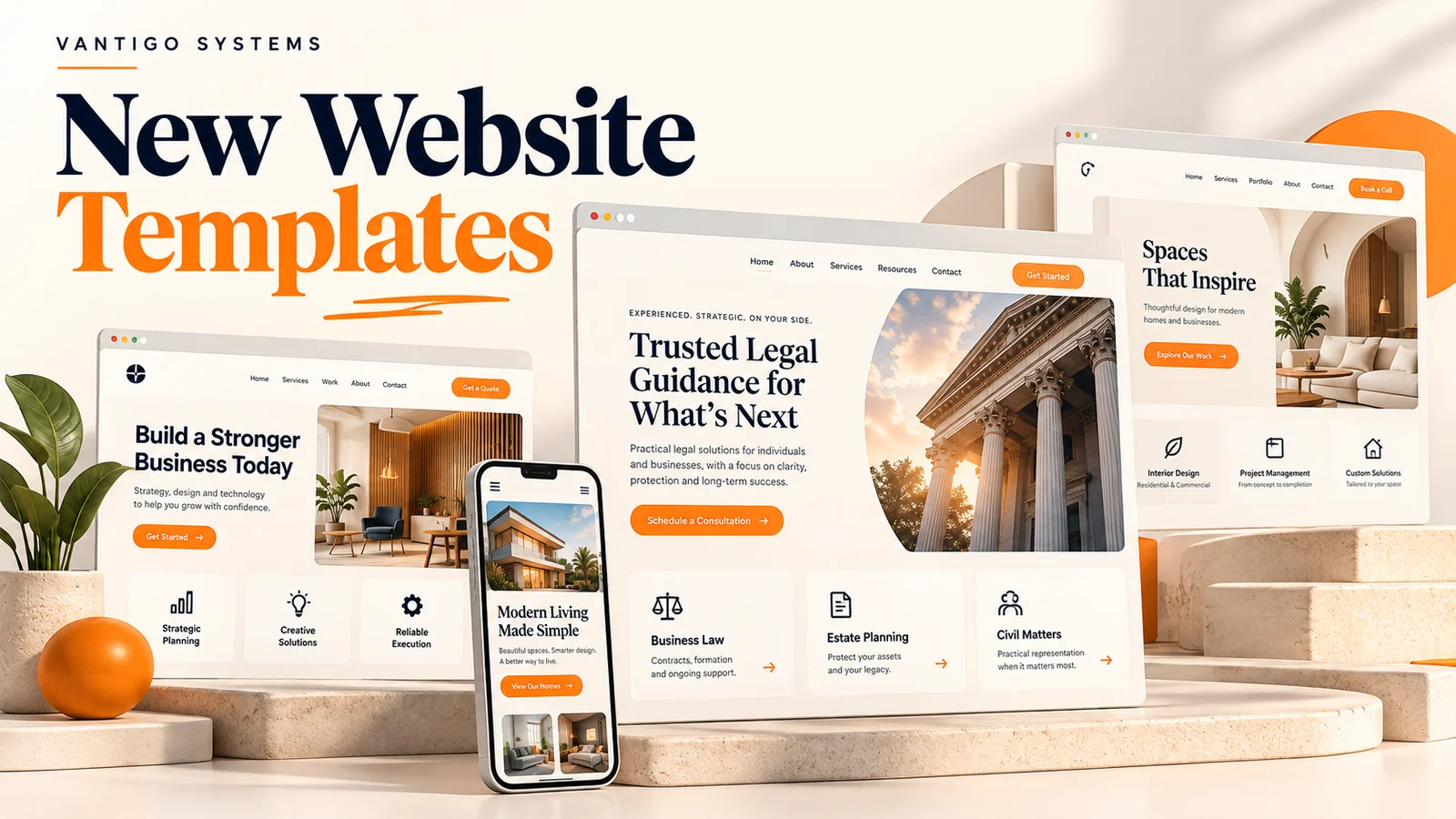
GoHighLevel has announced new web templates in its 12 October 2026 update. For a business planning a website, the relevant addition is a legal-sector website example identified as an intellectual property law firm in the release preview.
This article focuses on the website part of the release: what the announcement confirms, how to assess a template for your business, and what needs to be customized before it becomes your live website.
The update at a glance
- The website listing names the legal sector, with an intellectual property law firm preview.
- Choose a website template by its content structure and customer journey, not appearance alone.
- A template still needs your own service information, branding, images and page-level SEO.
What new website template does HighLevel show?
The official announcement lists “Legal – 1” under its website section and labels the corresponding preview “Intellectual Property Law Firm – Website”. The website headline contains an unclear total, so we are not presenting it as a verified count.
The same release also includes funnel, email, survey, social and advertising assets, plus a snapshot. Those are separate items. Their industry labels should not be read as a list of new website templates.
What this means for a business website
The useful question is whether the template gives your content a sensible home. A service business needs to explain what it does, who it helps and how a visitor can make an inquiry. Design matters, but a polished page with vague service descriptions still leaves visitors guessing.
A legal website is a good example of why the content needs particular care. Describe the actual practice areas and the inquiry process clearly. Do not turn template sample copy into claims about qualifications, experience or results. Any professional claims should be reviewed by the business before publication.
Assess the layout before committing to it
Make a short list of the pages and sections you need. For a small service website, that might include services, company information, genuine project or experience details, contact information and privacy information. Then check how much of that structure the selected template can support.
We have reviewed the release announcement, not installed this template. Confirm its available pages, sections and editing options in your account rather than assuming the preview includes everything your project needs.
A website template should make your business easier to understand, not make your business sound like the template.
Vantigo Systems editorial perspective
What to customize in a GoHighLevel website template
Service content and navigation
Use service names your customers recognize. Give each important service enough explanation to answer the first buying questions. Keep navigation concise, and ensure the contact route is easy to find from any key page.
Branding and imagery
Apply your brand colors and typography consistently. Check text contrast and button visibility, particularly on image backgrounds. Replace example images with owned, licensed or appropriately generated assets. Do not present stock portraits as your team or customers.
Titles, headings and search intent
Write a distinct page title and description for each indexable page. The main heading should describe the page’s actual purpose. A service page should help somebody evaluate that service; an about page should explain the company. Repeating the same broad headline everywhere weakens that distinction.
Forms and the next step
Tell visitors what happens after an inquiry. Ask for information the team needs to respond, rather than making every available field mandatory. Test the form, confirmation message and inquiry destination before launch.
A website launch checklist
- Check every page for leftover sample names, claims and links.
- Review phone layouts, navigation, text wrapping and tap targets.
- Confirm that images are appropriately sized and important content remains readable.
- Submit a clearly labelled test inquiry and confirm it reaches the intended team.
- Review indexability, canonical URLs and any redirects from an older website.
- Check analytics and consent requirements before enabling tracking.
Common questions about the new web templates
Is this update only about websites?
No. The release includes several asset types. This guide concentrates on the website addition, while the other assets are listed separately in the official announcement.
Can a legal template be used for another type of business?
Evaluate the actual template and its applicable usage terms first. Its visual structure may be adaptable, but changing an industry label is not enough. Your services, proof, navigation and inquiry process need their own content.
Will a template make the website SEO-ready?
Not by itself. You still need relevant content, clear headings, distinct metadata, crawlable pages and a usable mobile experience. A new design does not guarantee rankings.
When is custom development a better fit?
Consider a custom build when the required content, interactions or integrations do not fit the template without extensive workarounds. A straightforward company website may not need that complexity. Choose from the requirements.
Turn the template into your company’s website
Vantigo Systems helps businesses plan and build websites around their actual services and customer needs. Explore our website development service, or GoHighLevel setup if the website needs to connect to an existing HighLevel account. Tell us what your website needs to do before choosing a template.
Independent commentary based on HighLevel’s linked release announcement. This is not a hands-on template review. The featured artwork is an original illustration, not a screenshot of the released template.
Plan My Project