A familiar WordPress workflow starts with a good brief and ends with someone rebuilding it inside a page builder. Between those two points sit dozens of small decisions: container widths, typography, responsive rules, reusable sections and which fields the client should be able to edit.
Elementor MCP brings the AI assistant into that implementation step. Elementor announced its official launch on September 29, 2026, following its September beta. The useful question for a business is how it fits the website you already have. This guide explains what to check, what to try first and where human review still earns its place. Read Elementor’s launch announcement.
What to know before you connect
- The official integration works with compatible AI clients, including Claude, Codex and Cursor.
- Current layout support focuses on V4 Atomic elements. Check an existing site before planning edits to V3 widgets.
- Generated work needs review and publication by your team.
- A clear brief and an established design system make a sensible first test.
What is Elementor MCP?
MCP means Model Context Protocol. It is a standard that lets an AI application connect to external tools and systems. In this case, Elementor exposes website-building capabilities so a connected assistant can work with Elementor structures. Think of the difference between discussing a page and being able to assemble it in the editor. The MCP introduction explains the wider protocol.
For the person maintaining the website, the output matters more than the acronym. Elementor says the resulting structure remains editable in its visual editor and generated work is saved as a draft. That gives a developer or content team a review step before the result becomes public.
What can you build with Elementor MCP?
According to Elementor’s current product page, the integration covers Atomic pages and sections, design systems, theme parts and dynamic content. Work involving custom widgets, other plugins and bulk content actions requires Angie. Connection is free; your AI client’s charges are separate, and Pro features follow Elementor’s plan requirements.
That makes a campaign landing page a useful first experiment. The brief can describe the offer, the visitor’s next step and the approved content. The build can then use the site’s typography, spacing and button styles. Your team checks whether the page explains the offer clearly and whether the form actually routes the inquiry to the right place.
Use a reference to reduce ambiguity
A reference screenshot can communicate spacing and visual hierarchy more quickly than a long paragraph. Pair it with the approved copy and the business purpose of each section. Explain which parts of the reference matter: perhaps the image-to-text ratio and the CTA placement, rather than its colors or decorative elements.
Give content a reusable home
For a service website, plan the shared structure first. Decide which information belongs in the hero, benefits, capabilities, FAQ and closing CTA. A reusable approach makes later edits easier to manage. It also helps avoid a familiar problem: ten service pages that drift into ten different designs.
The most useful AI-built page is one your team can understand, edit and maintain after the first draft.
Vantigo Systems editorial perspective
Will it work with your existing Elementor website?
This is the compatibility check to make before investing time in a workflow. Elementor’s MCP page currently says existing-page editing supports V4 Atomic layouts, with older V3 Widget layouts listed as upcoming support. Its build-and-edit guide lists WordPress 6.8 or higher and Elementor Core and Pro 4.3.0 or higher. Verify those requirements against the latest documentation and the versions installed on your site.
An older website does not automatically need a complete rebuild. Elementor’s Webgate agency case study describes introducing new Atomic sections alongside existing V3 structures. That is evidence of a gradual workflow on their site, rather than a promise that every legacy widget can now be edited through MCP.
Our recommendation is to inventory the page you want to change. Identify its widgets, custom code, forms and dynamic fields. Then select one low-complexity page for a staging test. The result of that test should decide the next step, rather than the excitement around the announcement.
How to connect Elementor to Claude, Codex or Cursor
Elementor’s official connection guide describes this sequence:
- Open Elementor → Elementor MCP in WordPress and enable MCP access.
- Select the AI client you use.
- Review the acknowledgment that generating the prompt creates an application password.
- Generate and copy the setup prompt into the chosen client.
- Start with a draft page, then inspect the output in Elementor.
The connection prompt contains access information. Treat it as a credential, keep it out of public tickets and screenshots, and share it only with the intended client. The guide explains how to revoke an individual connection under Users → Profile → Application Passwords, or disable MCP access from Elementor’s MCP screen.
A better first prompt than “build me a website”
Here is an example brief we would use for an initial test. Replace the offer and assets with approved material for your business:
Create a draft campaign page for our website-audit offer.
Use the existing site colors, fonts and spacing variables.
Include a hero, audit scope, three process steps and a contact CTA.
Use the supplied copy. Do not invent reviews, client logos or results.
Build with editable Atomic elements.
On mobile, place the visual below the introduction.
Leave the page as a draft for review.
A useful brief sets a finish line. Ask for one draft, evaluate it, then request specific corrections. “Reduce the gap above the CTA” is easier to review than “make it more professional.” Keep an approved reference beside the rendered page and compare the actual result.
What we would check before publishing
The speed of assembling a page does not tell you whether it is ready for visitors. Our review would cover four practical questions:
- Can a visitor understand the offer? Read the hero and CTA together. Remove language that sounds impressive but fails to explain the service.
- Does the design hold up on a phone? Check heading wraps, image crops, spacing and whether the form is comfortable to complete.
- Do the interactions work? Follow buttons, submit the intended test form and check the delivery or CRM handoff.
- Does the page fit the site? Review shared navigation, heading hierarchy, metadata and relevant internal links.
For teams with an established process, MCP can become another implementation tool inside that process. A design brief, content approval and browser review still give the work its direction.
Where this fits in a business website strategy
A business with frequent campaign pages may get value from a consistent build-and-review routine. A team with a stable five-page website may have a different priority: improving its service copy, forms or loading behavior. Pick the workflow that addresses the actual bottleneck.
If your site needs clearer editable sections, explore our WordPress development service. For connected tools and data flows, see AI integrations. If the structure already works but the experience needs attention, a free website audit can help identify the next useful change.
Elementor MCP: frequently asked questions
Is Elementor MCP free?
Elementor says connection is free. Pro features require the appropriate plan, and usage costs from your AI client are separate. Check both before estimating a project.
Does it publish pages automatically?
Elementor describes generated work as a draft for review. Keep a deliberate publishing step in your process, including checks of the live preview.
Can it edit old V3 Elementor widgets?
The current product page limits existing-layout editing to V4 Atomic layouts. It lists V3 Widget support as forthcoming; check for updates before relying on it.
Do you need Angie for every task?
No. Elementor distinguishes page and theme-part work from capabilities such as custom widgets, other-plugin abilities and bulk actions, which require Angie.
Can Elementor MCP guarantee better SEO?
No tool connection can guarantee rankings. Treat generated page structure as a starting point. Search performance still depends on useful content, a sound site, competition and how well the page answers its audience’s needs.
Start with one page and a clear review process
Elementor MCP is worth evaluating when your team spends time translating approved designs into editable pages. Start small: one page, one reference and a defined set of checks. If the workflow produces a maintainable result, expand it gradually.
Want help deciding where it fits your existing website? Talk to Vantigo Systems about the page, integrations and editing workflow you need.
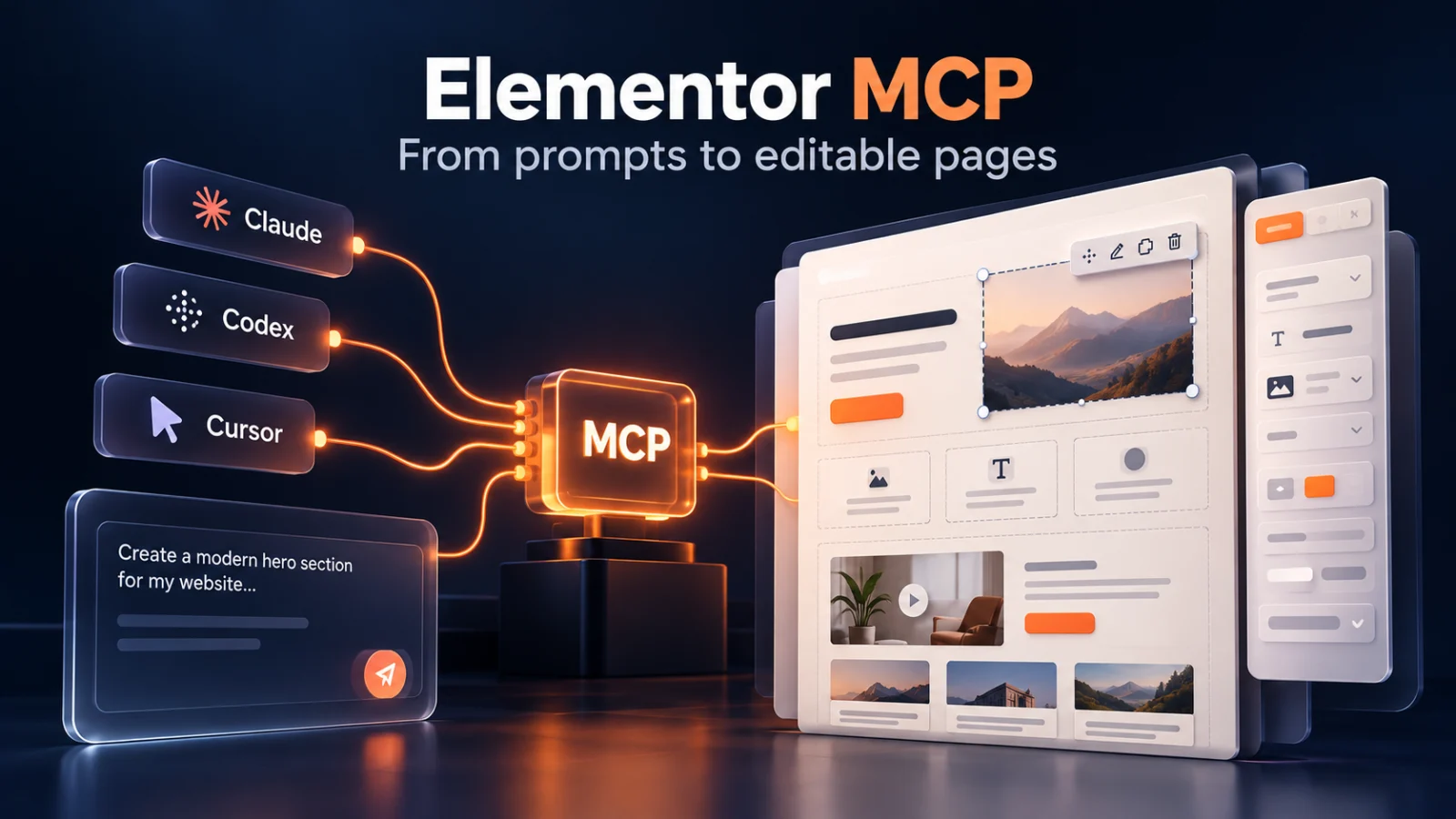
Researched October 8, 2026. This is an independent editorial guide based on linked official documentation, not a claim that Vantigo has tested this MCP connection on your site. The featured illustration is AI-generated concept artwork, not an Elementor interface screenshot.
Plan My Project