
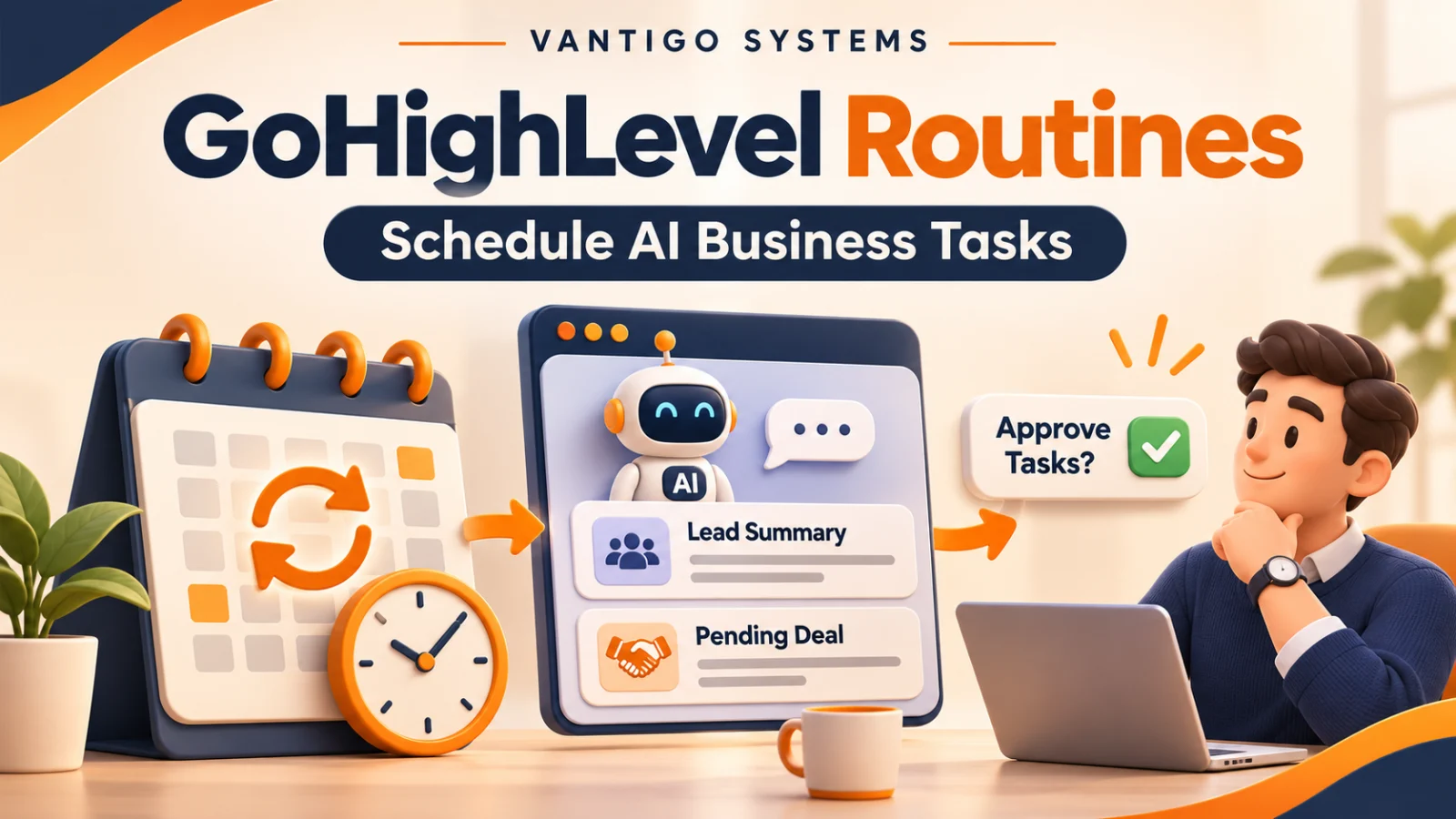
GoHighLevel Routines let a published Managed Agent carry out recurring tasks and return updates to its conversation. For a small business, a sensible first use is an internal review that someone already repeats, such as checking which enquiries still need attention.
HighLevel announced Routines on 20 November 2026. This article explains the release and proposes a first test for a service business. We have not measured its performance or used it in a client deployment.
What is new in GoHighLevel Routines?
The official announcement describes recurring tasks created through natural-language requests in a Managed Agent conversation. Results arrive in that chat, and a Routines tab provides management controls.
Scheduling an agent was already possible. HighLevel’s earlier Scheduled Triggers documentation covers time-based execution from the agent builder. The new release focuses on managing recurring work from a conversation. Keep that distinction in mind when following older tutorials.
Choose between Routines, agent triggers and workflows
Choose a mechanism after writing down the task and its expected output. A schedule tells a system when to start; it does not establish that the chosen actions are suitable for the job.
Use a Routine for a recurring agent conversation
A Routine is worth evaluating when you want to ask an agent for an ongoing review and discuss each result in the same place. Start with a private summary that an employee can check before taking action.
For example, a sales manager could review an agent’s proposed list of overdue follow-ups each morning. The business would still need to agree what counts as overdue and which records the agent may read.
Use Scheduled Triggers for an agent built around a schedule
The existing builder supports scheduled agent execution, including one-time, interval and cron-based timing. Its documentation describes running the full published agent, with its instructions and configured actions. Review that route when the schedule is part of a deliberately designed agent process.
Keep predictable actions in a normal workflow
A rule such as creating an internal alert when a form arrives often has a clear, repeatable path. A regular workflow can be easier to inspect than asking an AI agent to decide the next action.
HighLevel also has a Workflow Scheduler trigger for time-based, contactless workflows. Some actions require a contact and are skipped in a contactless run. Check each action’s requirements rather than assuming that a scheduled workflow can message a customer.
A first pilot for a small service business
Consider a business that receives website enquiries and tracks sales opportunities in HighLevel. Its owner wants a morning list of records that deserve a closer look. This is an illustrative setup brief, not a Vantigo customer case study.
Before building anything, agree the rules with the person responsible for sales:
- Which pipeline and stages should be included?
- What activity counts as a meaningful follow-up?
- How old must an enquiry be before it needs attention?
- Which records should be excluded, such as closed deals or customers who asked not to be contacted?
- Who reviews the report when the usual owner is away?
These definitions matter more than the wording of the first prompt. A customer may be waiting for a technical answer from your team, rather than ignoring a sales message. A report that labels every quiet deal as lost would give the owner poor advice.
Write a narrow, draft-only request
The following is Vantigo’s suggested starting prompt. Adapt the pipeline, timezone and age threshold to your business. Confirm the agent has the tools needed to read the relevant data.
Every weekday at 9:00 AM in Asia/Karachi, review the Service Enquiries pipeline.
Prepare an internal draft listing open enquiries older than two business days
that have no recorded follow-up task.
Include the record reference, owner, age and reason it needs review.
Flag missing or unclear information instead of guessing.
Exclude closed opportunities and records marked do not contact.
Do not message customers, edit records or create tasks.
Ask for clarification if the required data is unavailable.
The threshold above is an example for discussion. It is not a recommended response-time promise for every company. Verify how the agent interprets business days and how it reads a do-not-contact field before relying on either condition.
Also enforce the read-only scope through the available tool permissions. Prompt wording alone is not an access-control system.
Check the first report against the CRM yourself. Every item should point to a real record and explain why it meets the rules your team agreed.
Vantigo Systems, suggested pilot review
How to start a Routine in HighLevel
The release gives the starting path as AI Agents, Agent Studio, Managed Agents. Open a published agent, request the recurring task and manage it in Routines. Computer permissions may need approval on the first run.
During setup, have the operator confirm the timezone and next expected execution in the interface. A business serving several countries should write the timezone explicitly in its brief. Check daylight-saving changes when a schedule follows a region that uses them.
Keep one person responsible for the initial test. After the first scheduled run, review the result before adding other schedules or giving the agent permission to change data.
Check these limits before planning a rollout
As checked on 24 November 2026, the launch lists up to 10 active routines per person per agent, a minimum interval of one hour, and execution against the published agent version. It says repeated failures can pause a routine. Email notifications are listed as coming soon.
Build an operational check around those constraints. Someone should know where to look for results and what to do if an expected report is missing. A paused routine is only useful as a safeguard if the team notices it.
When changing an agent, test the revised instructions before publishing. Record which version was approved and whether existing recurring tasks still produce the expected output. Avoid adding several reporting tasks with overlapping purposes.
Permissions need their own review
Computer-powered routines can interact with websites. The release describes approval controls for supported actions, with sensitive actions requiring permission and payments always requiring approval.
That does not remove the need to define your own boundaries. For a first pilot, give access only to the data required for its report. Keep account administration, billing and customer-facing actions outside the scope.
Review the following before allowing broader access:
- Which accounts and records can the agent read?
- Can it export personal information or send it to another service?
- Who can approve changes, and who can pause the recurring task?
- What will happen when a website changes its layout or a login expires?
If writing records is later justified, test what happens when the same task runs twice. Use stable record references and check existing tasks before creating more. Plan how to recover from a partially completed run.
What will scheduled agent runs cost?
Each Routine execution follows standard Managed Agent usage billing. The announcement does not quote a fixed monthly price for a recurring task.
HighLevel’s AI product pricing page distinguishes plan allowances from pay-per-use charges. Actual cost depends on the applicable account arrangement and usage. Confirm current in-app rates, allowances and extra-usage settings before enabling recurring execution.
For a budget estimate, count the planned runs and inspect the cost of representative tests. Include any retries, connected services and staff review. An hourly task can have a different cost profile from a weekday report even when the request looks similar.
Judge the pilot by the cost of an accepted report and the time needed to correct it. If the team spends longer checking it than preparing the original list, narrow the request or use a deterministic workflow.
Frequently asked questions
Will Routines replace our existing HighLevel workflows?
Review each process separately. Keep a workflow that already handles a predictable business rule correctly. Evaluate an agent where the task needs interpretation or a written explanation, then check the result before expanding its role.
Can we use a Routine to send sales follow-ups automatically?
Customer messaging needs a separate scope review. Confirm consent, contact restrictions, timing and the exact sending action. Start with an internal draft and verify those rules before enabling any external communication.
How do we test whether the report is accurate?
Compare it with records you know should be included and excluded. Test missing owners, recent activity, closed opportunities and incomplete data. Keep a correction log to see whether errors recur.
Should we use the same schedule for every team?
Choose a schedule around the people who use the result. A morning report should arrive when someone can review it. Document the timezone and check what happens on holidays or when the responsible employee is absent.
Does publishing an agent prove the recurring task is ready?
Publication is a release step. Readiness also needs a checked output, suitable permissions, a cost estimate and an owner who can monitor failures.
Can Vantigo help with an existing CRM setup?
We can review the process you want to improve and the access available. Bring one recurring task, its current steps and an example of an acceptable result so we can assess the appropriate implementation.
Plan one recurring task before adding more
Vantigo Systems provides GoHighLevel automation and AI workflow automation. We can help define the task, review the required connections and agree how the output will be checked.
If your lead process itself needs attention, read our website enquiry management guide. For teams still choosing a CRM, our GoHighLevel small business guide covers the wider decision.
Discuss a recurring task with Vantigo
Editorial note: Reviewed on 24 November 2026 against the official sources linked above. The pilot, prompt and review checks are Vantigo’s recommendations, not results from a measured deployment. Product access, limits and billing may change. Vantigo Systems does not claim HighLevel partnership or certification.
Plan My Project