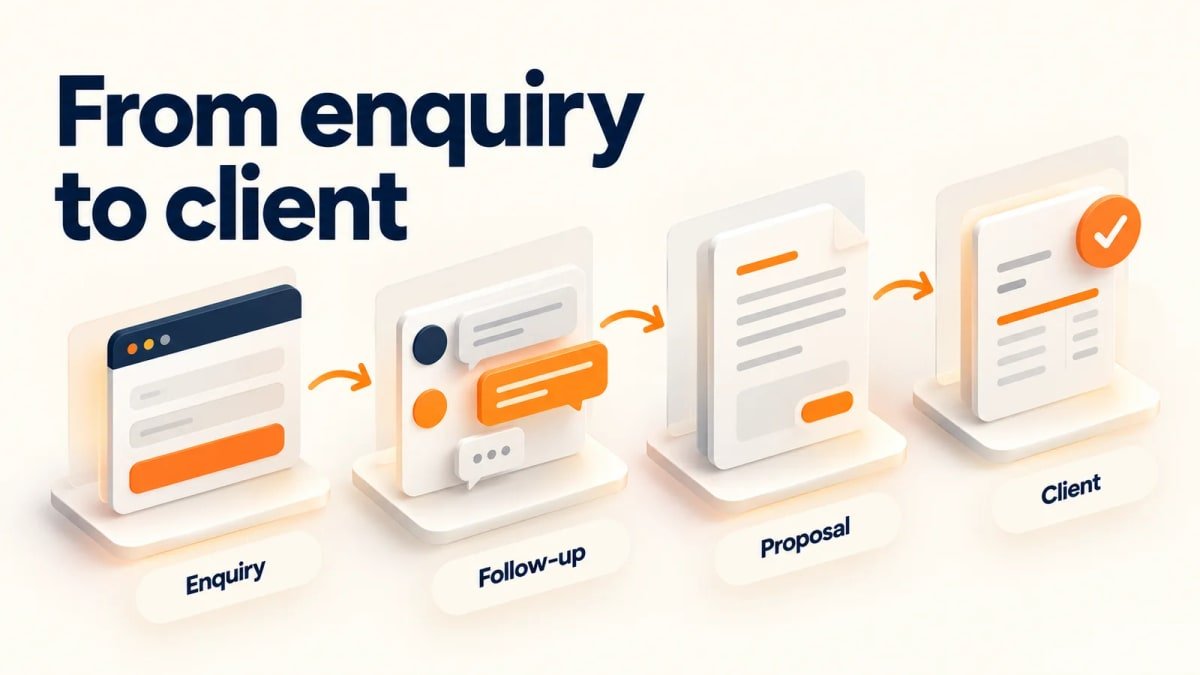
Someone fills out your website form and asks about your service. You reply, send a few details, and wait.
A week later, the conversation is buried in your inbox. You cannot remember whether they needed a quote, were waiting for a call, or had already chosen someone else.
This is the problem a lead management process should solve.
For a service business, lead management means keeping track of each enquiry, understanding what the person needs, and agreeing on the next step. A spreadsheet can be enough at first. As the team grows, a CRM can make the work easier to manage.
A simple rule for every enquiry
Every active enquiry needs an owner, a next action, and a date. Start there before adding more tools or automation.
1. Keep enquiries in one place
Your website form may send messages by email, while other enquiries arrive through WhatsApp, phone calls, or social media.
You do not have to stop using these channels. But the important details should reach one shared record.
For each enquiry, keep:
- The person’s name, company, and contact details.
- The service they are interested in.
- A short summary of their request.
- Where the enquiry came from.
- Who is responsible for replying.
- The latest conversation and next action.
For example, “Interested in a website” tells your team very little.
“Needs a website for a property consultancy, has an existing logo, and wants to launch before opening a second office” gives the next person useful context.
Collect what you need to handle the request. Avoid asking for sensitive information or account passwords in an enquiry form.
2. Make the first reply useful
An automatic confirmation can reassure someone that their message arrived. It should explain what happens next and give a response timeframe your team can meet.
It does not replace a personal reply.
Your first response should acknowledge the actual request and help move the conversation forward. For a website enquiry, you could use this example:
Example first reply
Hi Sarah,
Thanks for getting in touch about the website for your consultancy.
Could you share your current website, if you have one, and the main action you want visitors to take? It would also help to know your preferred launch date.
Once we have those details, we can suggest the next step and arrange a short call if needed.
This gives the person something specific to answer. It also shows that you read their message.
If they already provided those details, do not ask for them again. Answer their question or explain what you need to assess next.
3. Find out whether the project is a good fit
Qualification means checking whether you can help and whether the project is ready to move forward.
It should feel like a useful conversation, not an interview. Start with a few questions.
What needs to change?
Ask what is difficult about the current situation.
A business asking for a CRM may be struggling with missed follow-ups. Another may need several teams to access the same customer record. Those are different requirements, even if both ask for “CRM setup.”
What would a useful result look like?
Help the buyer describe the outcome.
They might want staff to spend less time entering data, customers to book appointments online, or managers to see outstanding orders without checking several spreadsheets.
What affects the scope?
Discuss the existing system, required features, integrations, timing, and budget range where appropriate.
Explain why you are asking. A budget conversation is more useful when it helps identify a realistic starting scope.
You do not need every answer before speaking to someone. Gather enough to decide whether the next step should be a call, a brief, an estimate, or a polite explanation that the work is outside your services.
4. Use a pipeline your team understands
A pipeline shows where each opportunity stands. Keep the stages clear enough that two people would classify the same enquiry in the same way.
Here is a starting structure:
| Stage | What it means | Next step |
|---|---|---|
| New enquiry | The request has been recorded | Assign an owner and review it |
| Conversation started | A reply or call is underway | Clarify the need and project fit |
| Qualified | There is a suitable project to discuss | Confirm requirements |
| Proposal sent | Scope and pricing have been shared | Arrange a decision or review |
| Awaiting agreement or payment | The buyer intends to proceed | Complete the agreed requirements |
| Won | The agreed acceptance and payment conditions are met | Begin onboarding |
| Closed or postponed | The project is not moving forward now | Record the reason or agreed return date |
Adjust these stages to your business. A repair company taking bookings will not need the same process as a software company discussing a custom application.
Avoid moving someone to “Won” because they said the proposal looks good. If your process requires a signed agreement and deposit, keep those steps visible.
5. Follow up with a reason
“Just checking in” gives the buyer little help.
A useful follow-up answers a question, clears up uncertainty, or confirms a decision. After sending a proposal, you could write:
Example proposal follow-up
Hi Sarah,
Did you have a chance to review the website proposal?
One point worth confirming is whether appointment booking should be included at launch or added later. That decision affects the initial scope.
Would you prefer to discuss it on a short call or reply here?
Agree on a review date when you send the proposal. Following up on an agreed date feels more natural than contacting someone repeatedly without context.
If there is no reply, send a brief reminder and, where appropriate, a closing message that leaves the door open. There is no single follow-up schedule that suits every service or buying cycle.
Respect requests to stop contact. A sales enquiry should not automatically become permission for unrelated marketing.
6. Make the proposal easy to decide on
A proposal should help the buyer understand what they are buying.
Include the problem being addressed, the agreed scope, deliverables, exclusions, timeline assumptions, price, payment schedule, and next steps.
Be specific about responsibilities.
If a website launch depends on the client providing product information and approving designs, say so. If ongoing maintenance is separate from development, make that clear before work begins.
Avoid placing essential details only in a call or chat message. Keep the final agreement in a place both sides can refer to.
A short, clear proposal is more useful than a long document full of broad promises.
7. Automate repeated tasks, not every conversation
Once the process works manually, look for tasks that repeat.
These might include:
- Creating a CRM record after a successful form submission.
- Assigning enquiries to the right team member.
- Sending a receipt confirmation.
- Creating a reminder when a proposal needs review.
- Stopping follow-ups after a reply or sale.
- Preparing an onboarding task after payment.
Check what happens when something fails. If the form submission is saved but the CRM connection breaks, someone should be able to find and recover the enquiry.
Human review still matters for unclear requests, pricing discussions, sensitive information, and changes to scope. An automated message should not promise a price or deadline your team has not approved.
8. Measure clients, not just form submissions
A form submission tells you that someone contacted the business. It does not tell you whether they were a suitable buyer or became a customer.
Review a few measures together:
- Genuine enquiries received.
- Time taken to send a personal response.
- Enquiries that fit your services.
- Proposals sent.
- Projects accepted and payments received.
- Reasons suitable opportunities did not proceed.
Keep reporting periods consistent. An enquiry received this month may not become a paying client until next month.
Google Analytics also distinguishes between a generated lead, a qualified lead, and a lead that becomes a customer. These stages require tracking to be configured; Google does not automatically know the outcome of your sales conversations. See Google Analytics recommended events.
Your CRM or sales record should help connect website activity with what happened afterwards.
9. Give the new client a clear handover
Once the agreement and required payment are complete, explain what happens next.
Confirm the main contact, the first milestone, any information you need, and how the client should provide it.
The delivery team should receive the agreed scope and relevant conversation notes. The client should not have to explain the project again because the sales conversation stayed in someone’s inbox.
A clear handover also prevents an accepted proposal from sitting untouched while everyone assumes someone else has started the work.
Every active enquiry should have an owner, a next action, and a date. If one is missing, the conversation can stall without anyone noticing.
Vantigo Systems editorial perspective
Frequently asked questions
Do small businesses need a CRM?
Not always. A shared spreadsheet can work when enquiry volume is low and one person handles sales. A CRM becomes more useful when several people need access, follow-ups are being missed, or conversations are spread across different tools.
How quickly should we reply to a website enquiry?
Respond as soon as your team can provide a useful answer during its working hours. Publish a realistic timeframe and monitor whether you meet it. An instant automatic confirmation is helpful, but it should not be counted as a personal response.
What should we do with enquiries that are not ready to buy?
Record why the project is on hold and ask whether the person wants you to contact them at a later date. Keep postponed projects separate from active proposals so your pipeline reflects the work currently moving forward.
Can AI handle lead qualification?
AI can help summarise messages, identify missing information, and prepare draft replies. Keep people responsible for deciding project fit, approving commitments, and handling exceptions. Review the information you share with any AI tool.
Start with the next action
You do not need a complicated sales system to manage enquiries better.
Review your current conversations. Give each active opportunity an owner, write down the next action, and set a date. Then check whether your form, inbox, and sales records support that process.
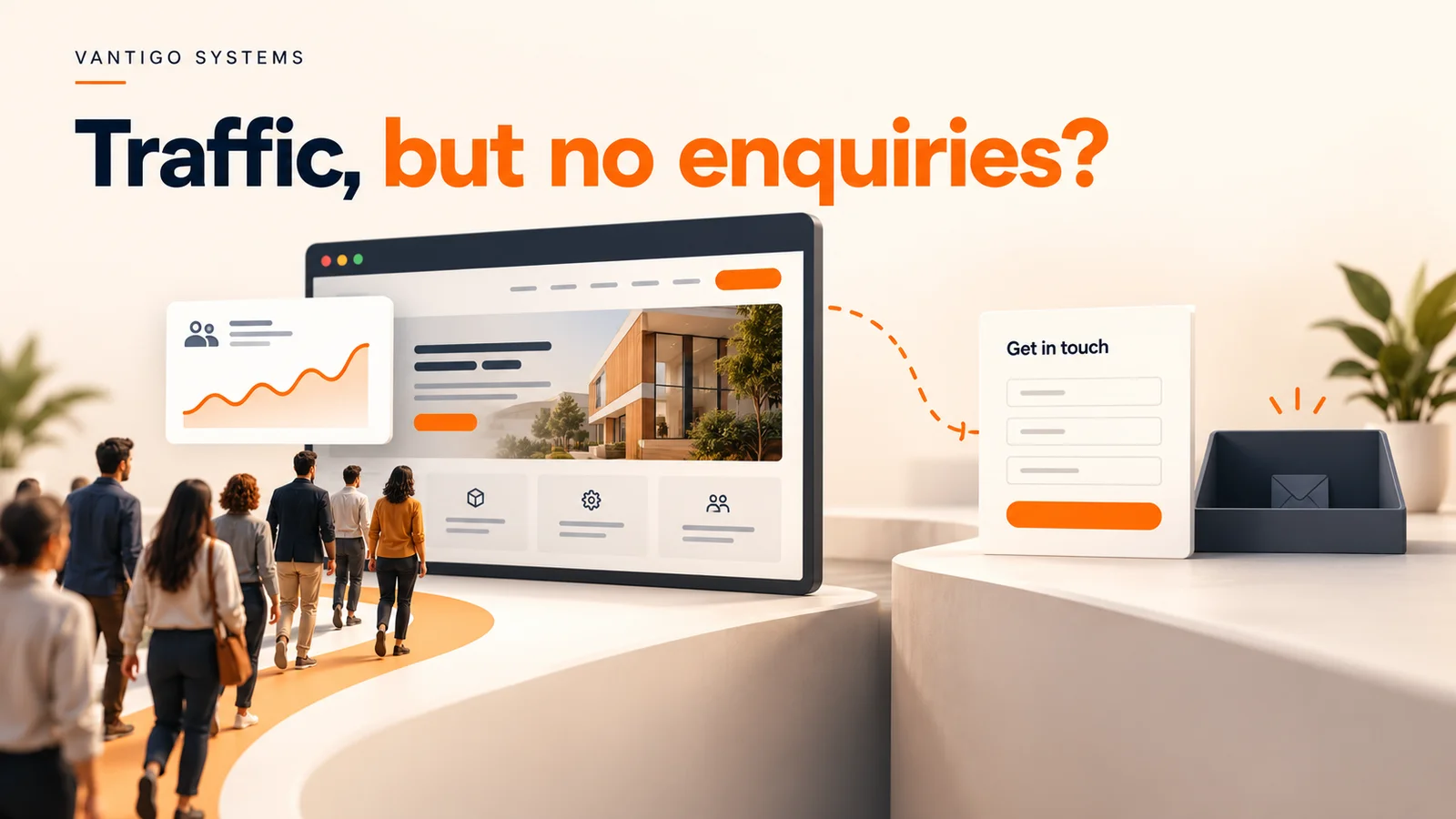
If messages are not arriving in the first place, start with our guide to why a business website gets traffic but no enquiries. This lead management process starts once those messages reach your team.
If your team is losing track between the website form, WhatsApp, proposals, and payment, Vantigo Systems can help connect those steps through CRM integrations and pipeline automation.
Talk to Vantigo Systems about your enquiry process.
Plan My Project