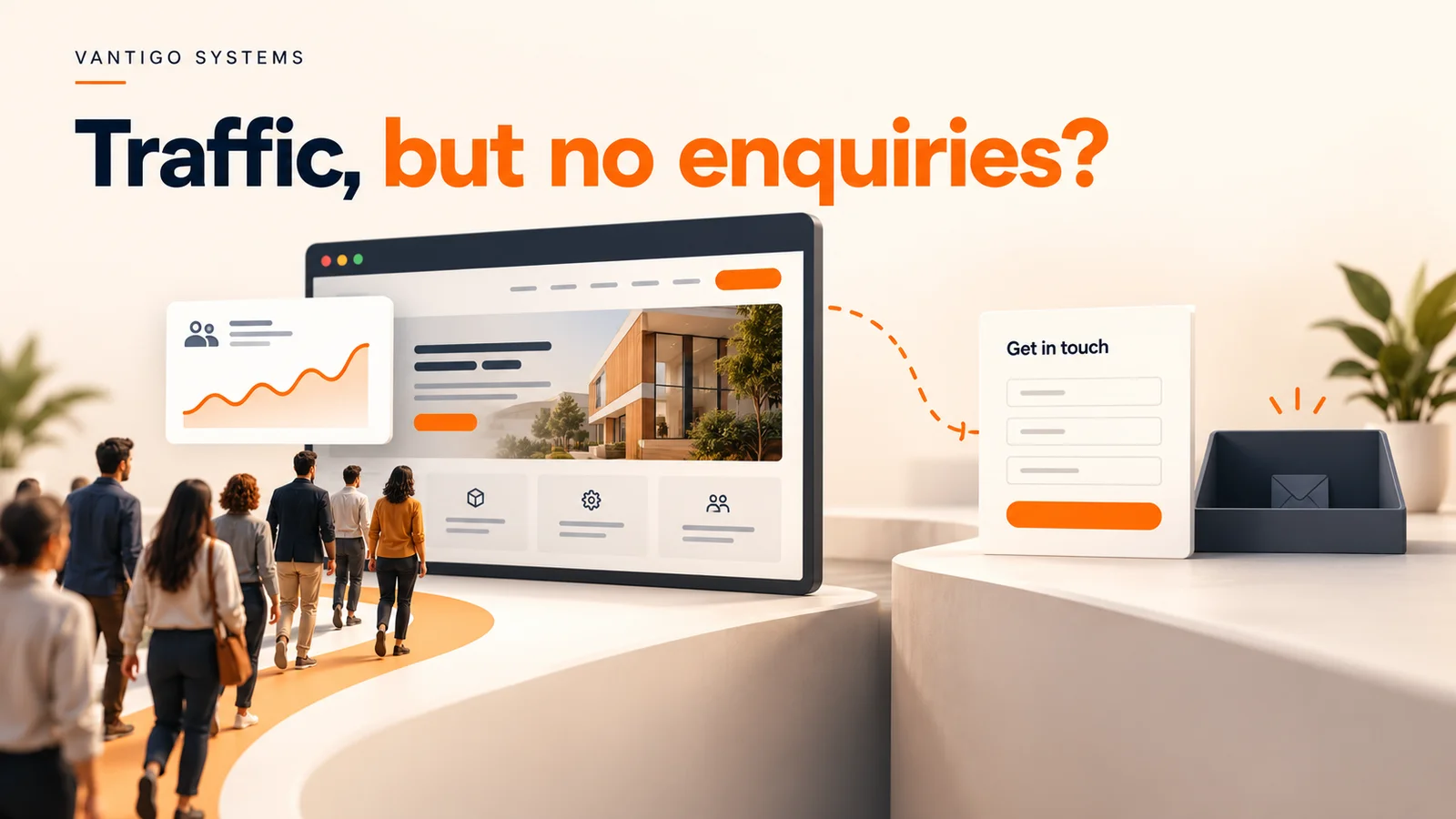
Your website gets traffic but no enquiries. You can see people visiting, yet the inbox stays quiet. Before you pay for more traffic or replace the whole website, check where the problem starts.
Some visitors may not need your service. Others may need it but cannot tell if you are the right company. And sometimes the form works on screen while the message never reaches your team.
This guide is for service businesses. It will help you check those possibilities in a useful order, without treating every quiet week as a reason for a redesign.
Start with these three checks
- Send a test enquiry from your phone and confirm that somebody receives it.
- Check which pages bring visitors in, not just the total visit count.
- Read your main service page as a new customer. Can you tell what is offered and how to ask about it?
1. Make sure you are not missing enquiries
Open the live website on your phone. Fill in the contact form with a clearly marked test message. Use a real email address you control so you can also check any reply.
Look for the confirmation message, then check the receiving inbox, spam folder and any connected CRM. A success message on the page is not enough. Someone on your team should be able to find the enquiry.
Try the other contact options too. Does the phone link contain the correct number? Does the booking button open the right calendar? If a visitor messages you on WhatsApp, who checks that inbox?
Compare your reports with actual messages
A contact-button click is not the same as a completed enquiry. A phone-link click does not prove a call connected either. Keep those actions separate when reviewing results.
Google Analytics includes a recommended generate_lead event for measuring a generated lead, such as a form request. Have the setup checked against a confirmed successful submission, not just a click on Submit. Test it and compare the report with enquiries your team received. Consent choices and tracking limits can also leave gaps in analytics.
2. Check whether visitors need what you sell
A growing traffic total can hide a weak match between the audience and the service.
For example, a guide about free logo tools may attract people who want to make a logo themselves. That traffic is not the same as visits to a page offering a paid brand identity project. Both can be useful, but they have different purposes.
Look at the pages people enter through, the searches available in Search Console, and the sources sending visitors. Ask whether those visits fit the customer, service area and type of project you want.
If a helpful blog brings readers in, give them a relevant service link where it makes sense. Do not force a sales pitch into every paragraph. A reader who came to learn may not be ready to buy today.
3. Say what the service includes
Read the headline and opening paragraph of your main service page. Would someone outside your industry understand them?
“Helping businesses grow through digital solutions” could describe hundreds of companies. “We build booking websites for independent clinics” tells a buyer much more. That is an example of clearer wording, not a claim about a specific Vantigo project.
The rest of the page should answer the questions a buyer needs to decide:
- What will you deliver?
- Who is the service suitable for?
- Can you work with an existing website or system?
- What do you need from the customer to get started?
- What happens after the first conversation?
You do not have to publish a fixed price for a custom project. But explain what affects the scope and how you prepare a quote. That is more helpful than avoiding the subject.
Start by finding the point where a possible customer gets stuck. That gives you a reason to change the page, rather than a reason to guess.
Vantigo Systems editorial perspective
4. Give people a real reason to trust you
A visitor who does not know your company needs more than a good-looking page.
Show work you can explain, describe your process, and make your company and contact information easy to find. If you show a product you built yourself, label it as your product. Do not make it look like a client case study.
Nielsen Norman Group’s research on website trust discusses the role of design quality, clear information and supporting evidence. The useful lesson for a service company is to back up the offer with details a buyer can check.
Use genuine reviews only. If you do not have permission to publish a customer name or project detail, leave it out or explain the work without identifying them. Invented names, ratings and results are not a substitute for evidence.
5. Make the contact step easy to understand
A button labelled “Request a quote” tells people more than “Get started”. Choose wording that matches what happens next.
Put that action where a reader has enough information to consider it. Keep the form manageable. Ask for what your team needs to respond, and mark optional fields as optional.
For a custom service, a short message about the project may be useful. A long list of mandatory questions before someone can speak to you may not be. Review each field and ask what you would do differently with the answer.
Also explain the next step. If you promise a response within a set time, make sure your team can meet it. Do not add a response-time claim just because it looks reassuring.
6. Use the website on a phone, not just a laptop
Read the service page, open the menu and complete the form on a real phone. Check whether a popup covers the button, a field is hard to use, or a large image makes the page slow to appear.
Test the route a visitor takes, not only the homepage. A page can look fine at the top and still have a broken form further down.
A speed report can help identify loading issues. It cannot tell you whether the service description makes sense or whether the sales team received the message.
What should you fix first?
Use what you found to choose the next task:
- The test enquiry never arrives: Fix form delivery or routing before changing the design.
- Most visits land on unrelated articles: Review the content and traffic sources before buying more visits.
- Relevant visitors cannot understand the offer: Improve the service page and its next step.
- Messages arrive but go unanswered: Assign an owner and review follow-up. The website has generated the enquiry; the issue is now in the sales process.
Make a note of the change and the date. Compare similar periods and similar traffic sources afterwards. Avoid changing the headline, form, pricing and advertising all at once if you want to understand what helped.
There is no useful enquiry-rate target for every business. A high-value project, a quick repair quote and an online appointment are different decisions. Start with your own reliable records.
Common questions
Should I buy more traffic if my website gets no leads?
First check that enquiries can reach you and that the existing visitors match your service. More suitable traffic may help a website with very few relevant visits. More traffic will not fix a broken contact form.
Do I need a complete website redesign?
Not necessarily. Clearer service copy, a repaired form or a better contact route may address the problem. A redesign makes more sense when the layout or system prevents those changes from working well.
How soon will changes bring more enquiries?
There is no fixed timeline. Results depend on visitor volume, audience fit and the change itself. Verify technical fixes straight away, then allow enough relevant visits before judging enquiry trends.
Want a second pair of eyes?
Vantigo Systems offers a free website audit to help identify useful next steps. Share your website and the service you want more enquiries for. If you have traffic or enquiry records, tell us what they show.
If the site needs broader changes, our website redesign service can address the structure and experience. We would start with the problem you found, not assume you need a new website.
Plan My Project